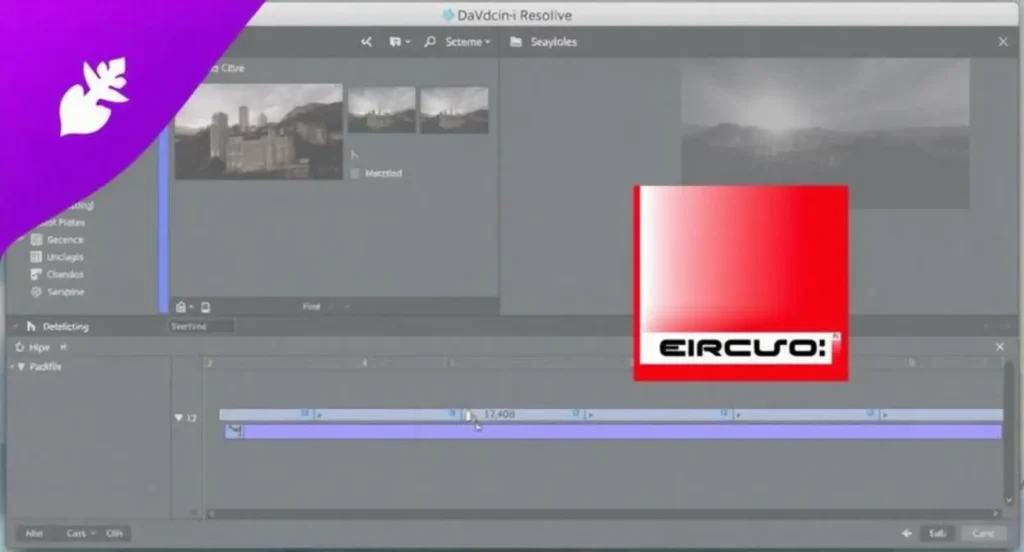
Auto captions are available in DaVinci Resolve Studio and newer. The free version of DaVinci Resolve does not include automatic speech-to-text captions.
To generate captions automatically, you need DaVinci Resolve Studio, which uses AI-powered transcription tools to convert spoken audio into editable subtitle tracks.
If you’ve been wondering what version of DaVinci Resolve has auto captions, you’re in exactly the right place.
This guide is warm, honest, and creator-to-creator—no tech bro energy, no fluff, just real answers, real examples, and real strategy for creators who want their content seen, saved, and shared. 💕
Table of Contents
-
What Version of DaVinci Resolve Has Auto Captions? (Quick Overview)
-
DaVinci Resolve Free vs Studio: Caption Feature Comparison
-
When Auto Captions Were Introduced in DaVinci Resolve
-
What “Auto Captions” Really Mean in DaVinci Resolve
-
Supported Languages & Accuracy Levels
-
Step-by-Step: How to Generate Auto Captions in DaVinci Resolve Studio
-
Editing, Styling, and Customizing Captions
-
Best Caption Styles for Instagram Reels, TikTok & YouTube Shorts
-
Auto Captions for Long-Form YouTube Videos
-
Emotional Psychology: Why Captions Increase Watch Time & Connection
-
Platform-Specific Caption Examples (Reels, TikTok, Shorts)
-
Caption Writing Framework for Maximum Engagement
-
Accessibility, Inclusion & Global Reach Benefits
-
SEO, AEO & Algorithm Intelligence Optimization with Captions
-
Common Mistakes to Avoid with Auto Captions
-
Auto Captions vs Third-Party Tools (Comparison)
-
Hardware & System Requirements for Auto Captions
-
Workflow Tips for Faster Captioning
-
Hashtags & Caption Optimization for Social Platforms
-
FAQs: Everything Creators Ask About DaVinci Resolve Auto Captions
-
Final Thoughts: Choosing the Right Version of DaVinci Resolve
What Version of DaVinci Resolve Has Auto Captions? (Quick Overview)
Let’s ground this immediately because I know you want clarity, not chaos.
Only DaVinci Resolve Studio (paid version) includes automatic captions.
The free version does not offer speech-to-text or AI caption generation.
If you’re editing:
-
Instagram Reels 📱
-
TikTok videos 🎵
-
YouTube Shorts 🎬
-
Podcasts 🎙️
-
Long-form YouTube content
…and you want captions without typing every word, Studio is the version you need.
DaVinci Resolve Free vs Studio: Caption Feature Comparison
| Feature | Free Version | Studio Version |
| Auto captions (speech-to-text) | ❌ No | ✅ Yes |
| AI transcription | ❌ No | ✅ Yes |
| Caption editing & styling | ⚠️ Manual only | ✅ Full control |
| GPU acceleration | ❌ Limited | ✅ Full |
| One-time purchase | Free | Paid (lifetime license) |
Bottom line:
If auto captions matter to your workflow, Studio isn’t optional—it’s essential.
When Auto Captions Were Introduced in DaVinci Resolve
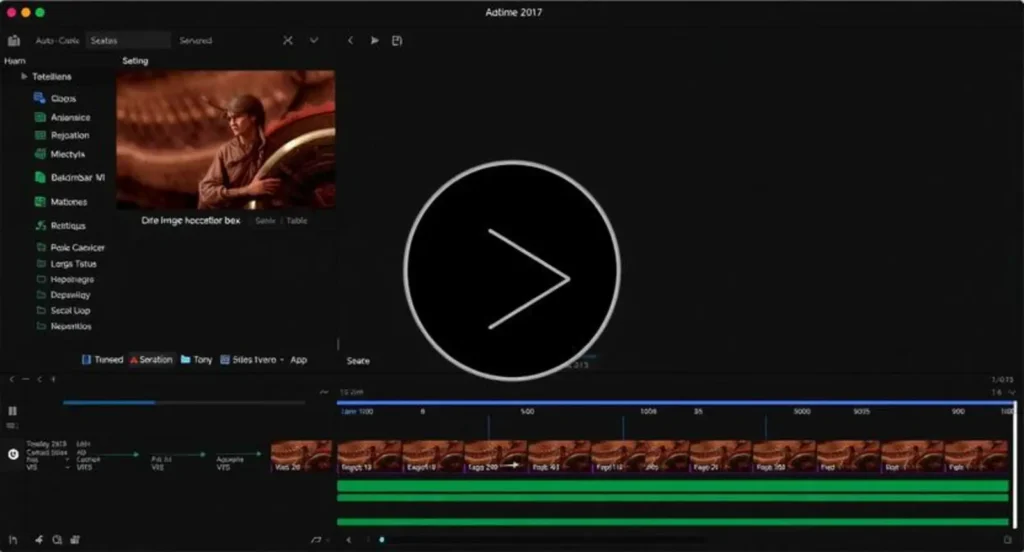
Auto captions arrived with DaVinci Resolve 18 Studio, powered by Blackmagic Design’s neural engine.
Each update since has improved:
-
Accuracy
-
Language support
-
Speed
-
Caption editing controls
As of Resolve 18.5+, captions are faster, smarter, and more creator-friendly than ever.
What “Auto Captions” Really Mean in DaVinci Resolve
Auto captions in DaVinci Resolve Studio allow you to:
-
Transcribe spoken dialogue automatically
-
Generate subtitle tracks in seconds
-
Edit text like a document
-
Sync captions perfectly to audio
This isn’t basic captioning. This is AI-assisted storytelling.
Supported Languages & Accuracy Levels
DaVinci Resolve Studio supports multiple languages, including:
-
English (US, UK, AU)
-
Spanish
-
French
-
German
-
Italian
-
Portuguese
-
Japanese
-
Chinese
-
Korean
Accuracy improves with:
-
Clean audio 🎧
-
Minimal background noise
-
Clear speech
Pro tip: Even 90% accuracy saves hours of work.
Step-by-Step: How to Generate Auto Captions in DaVinci Resolve Studio
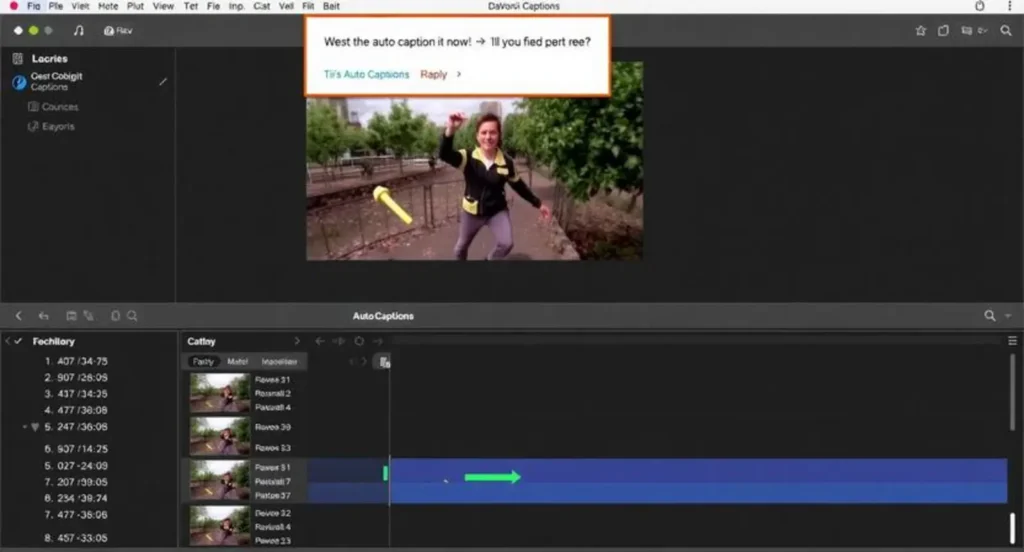
-
Open your project
-
Go to the Cut or Edit page
-
Select your audio clip
-
Click Generate Subtitles from Audio
-
Choose language & settings
-
Boom—captions appear ✨
You can now:
-
Edit text
-
Adjust timing
-
Style fonts
-
Export for social platforms
Editing, Styling, and Customizing Captions
This is where the magic happens 💫
You can:
-
Change font size & color
-
Add background boxes
-
Animate text
-
Highlight keywords
-
Match brand aesthetics
Captions don’t have to be boring. They can flirt, emphasize, whisper, or shout—just like your voice.
Best Caption Styles for Instagram Reels, TikTok & YouTube Shorts
Here are caption style examples you can use with auto captions (short, punchy, high-retention):
💬 Short & Scroll-Stopping
-
“Wait for it… 👀”
-
“This changed everything ✨”
-
“I wasn’t ready for this 😭”
💬 Cute & Relatable
-
“POV: you finally figured it out 💕”
-
“Soft life energy only 🌸”
-
“Main character moment 🎀”
💬 Bold & Emotional
-
“I almost gave up.”
-
“No one tells you this.”
-
“This is your sign.”
💬 Funny
-
“Why am I like this 😂”
-
“Send help 😅”
-
“This seemed easier in my head”
👉 Save this for later
👉 Tag someone who needs this ❤️
Auto Captions for Long-Form YouTube Videos
Long videos benefit massively from captions:
-
Higher retention
-
Better accessibility
-
Improved SEO
-
Global audience reach
Auto captions in DaVinci Resolve Studio can be exported as:
-
Embedded captions
-
SRT files
-
Platform-ready subtitle formats
Emotional Psychology: Why Captions Increase Watch Time & Connection
Captions don’t just translate words—they build intimacy.
Psychologically:
-
85% of social videos are watched without sound
-
Captions create emotional safety
-
Viewers feel included
-
Text reinforces memory & trust
Captions turn viewers into followers, and followers into community.
Platform-Specific Caption Examples
Instagram Reels
-
“Soft reminders you needed today 🌷”
-
“Growth looks like this.”
-
“Healing isn’t linear 💭”
TikTok
-
“Tell me you relate without telling me 😭”
-
“I wish someone told me this sooner.”
-
“Not me learning this at 2am…”
YouTube Shorts
-
“Watch until the end 👀”
-
“This changed my workflow.”
-
“Creator tip you’ll actually use.”
Caption Writing Framework for Maximum Engagement
Use this simple formula:
Hook → Emotion → Clarity → CTA
Example:
“I struggled with this for YEARS…
until I learned this one thing.
Save this for later 💕”
Captions + captions = unstoppable content.
Accessibility, Inclusion & Global Reach Benefits
Auto captions:
-
Support deaf & hard-of-hearing viewers
-
Improve comprehension for non-native speakers
-
Increase international reach
-
Align with accessibility standards
Inclusivity is not optional anymore—it’s powerful.
SEO, AEO & Algorithm Intelligence Optimization with Captions
Captions help:
-
Search engines understand content
-
AI systems index spoken keywords
-
Platforms recommend your video more often
Auto captions = algorithm love 💖
Common Mistakes to Avoid with Auto Captions
❌ Trusting AI without proofreading
❌ Tiny fonts no one can read
❌ Poor contrast colors
❌ Overcrowded text
❌ Forgetting mobile viewers
Always preview on your phone.
Auto Captions vs Third-Party Tools
| Tool | Pros | Cons |
| DaVinci Resolve Studio | Integrated, accurate | Paid |
| CapCut | Fast | Limited editing |
| Premiere Pro | Powerful | Subscription |
| Descript | Easy | Less control |
Resolve Studio wins for creative control + accuracy.
Hardware & System Requirements for Auto Captions
Recommended:
-
Apple Silicon or modern GPU
-
16GB RAM (minimum)
-
SSD storage
AI loves power. Feed it well 😌
Workflow Tips for Faster Captioning
-
Clean audio first
-
Use noise reduction
-
Batch caption clips
-
Save caption presets
Efficiency = consistency.
Hashtags & Caption Optimization
Suggested hashtag sets:
-
#VideoEditing
-
#DaVinciResolve
-
#AutoCaptions
-
#ContentCreator
-
#ReelsTips
-
#TikTokEditing
Mix broad + niche tags.
FAQs: What Version of DaVinci Resolve Has Auto Captions?
Q1. Does DaVinci Resolve free have auto captions?
No. Only Studio includes this feature.
Q2. Is DaVinci Resolve Studio worth it for captions?
Yes—especially for social media creators.
Q3. Can I export SRT files?
Absolutely.
Q4. Is auto caption accuracy good?
Very good with clean audio.
Q5. Does it work for podcasts?
Yes.
Q6. One-time payment or subscription?
One-time lifetime license.
Q7. Can I style captions?
Yes—fonts, colors, animations.
Q8. Best version to buy?
Latest DaVinci Resolve Studio release.
Final Thoughts: Choosing the Right Version of DaVinci Resolve 💕
If you’ve been asking what version of DaVinci Resolve has auto captions, here’s your heart-centered answer:
DaVinci Resolve Studio is the only version with AI-powered auto captions—and it’s absolutely worth it.
Captions aren’t just text.
They’re connection.
They’re accessibility.
They’re retention.
They’re love letters to your audience. 💖
👉 Save this guide
👉 Share it with a creator friend
👉 Comment what platform you edit for
You deserve tools that keep up with your creativity.
USA-based caption writer creating trendy Instagram captions, TikTok quotes, and creative social media content.